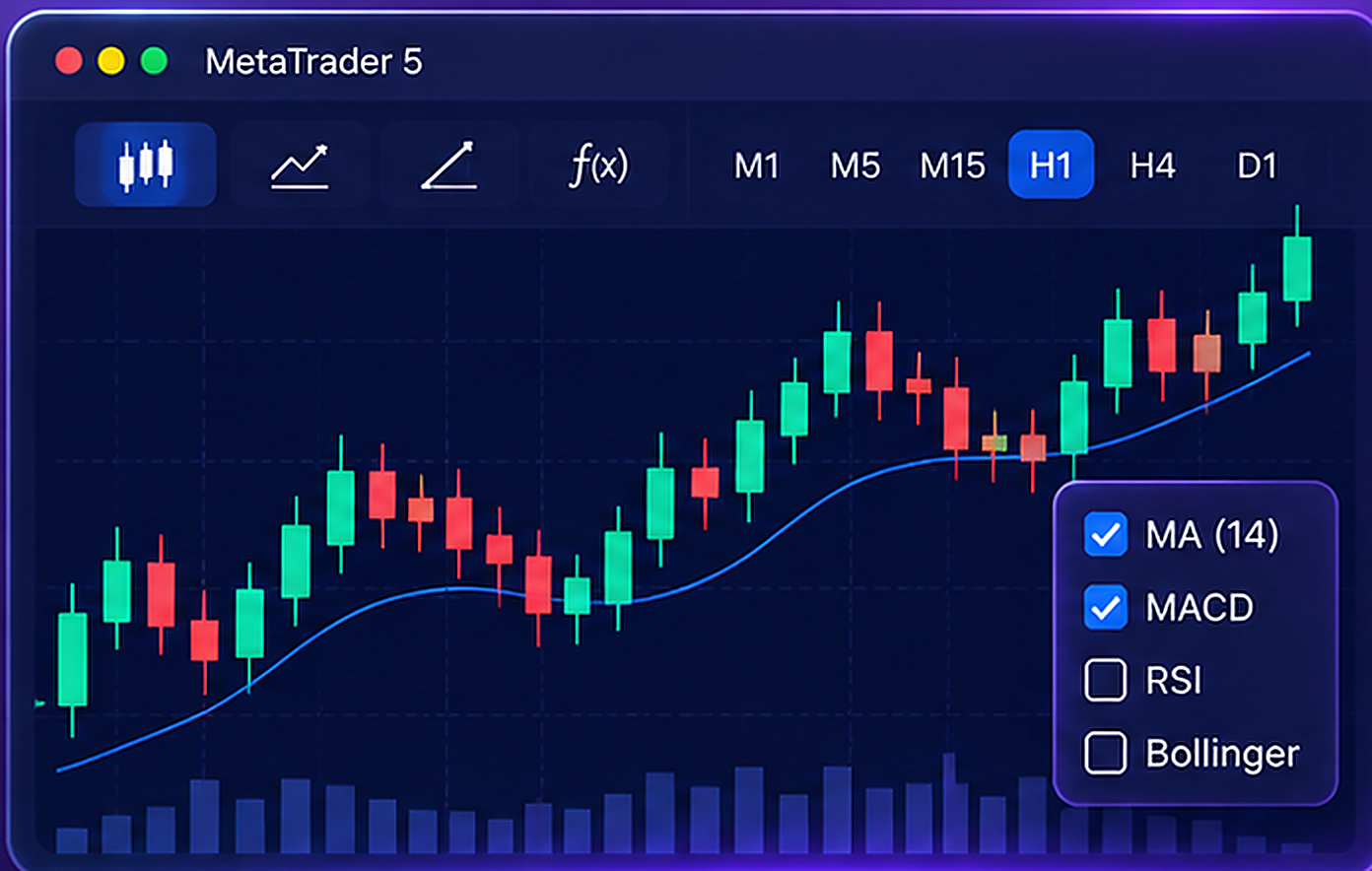
Multi-timeframe charts
Jump between timeframes, mix live quotes with history, and look at price moves from more angles.
MetaTrader 5 · Multi-platform trading terminal
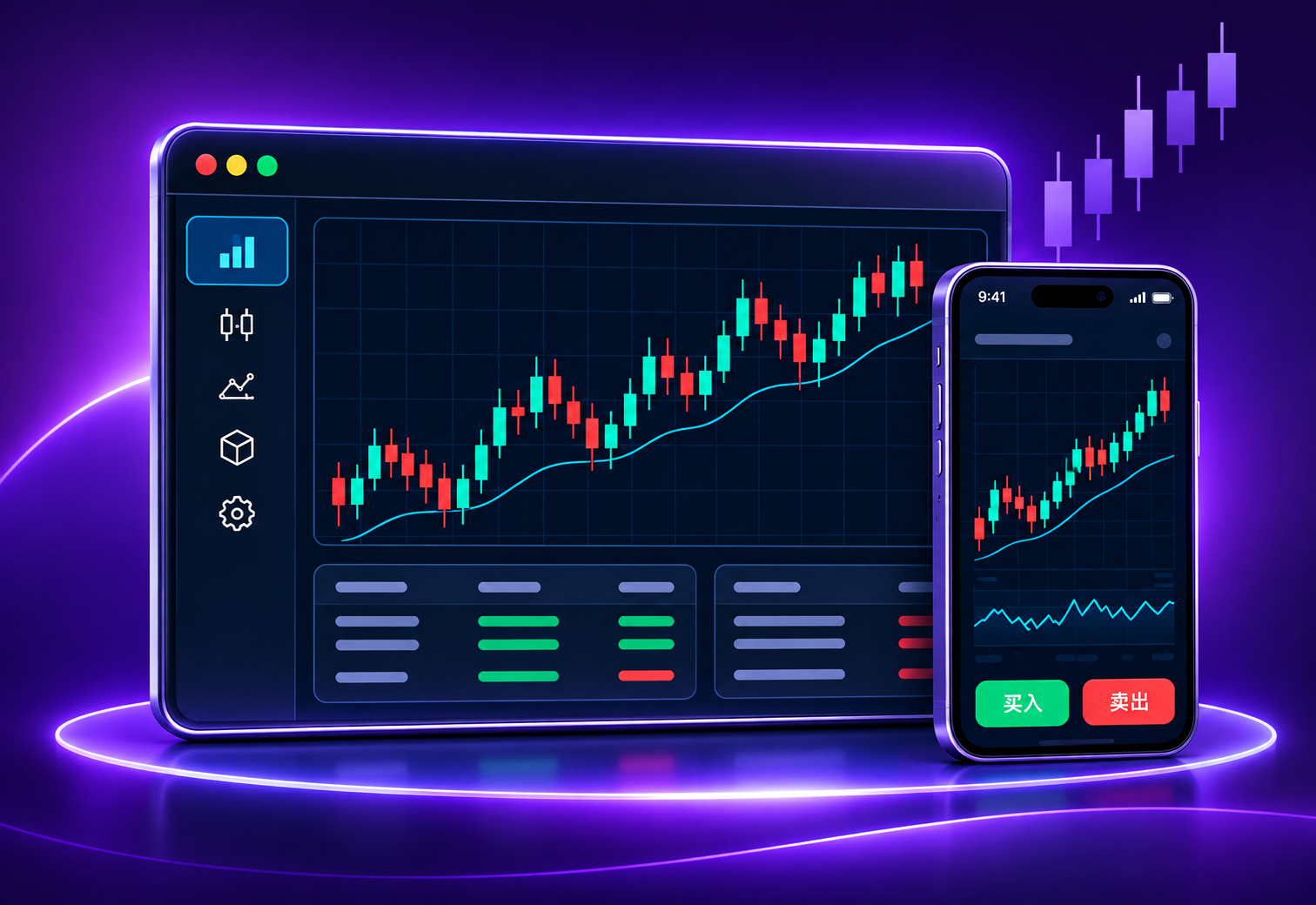
MetaTrader 5 brings charts, analytics, trading tools, and automation together—on desktop, mobile, or in the browser.

From watching live markets and reading indicators to researching strategies, MetaTrader 5 keeps charts, order tools, and automation in one workflow—flexible enough for different trading styles.
Jump between timeframes, mix live quotes with history, and look at price moves from more angles.
Plenty of built-in indicators, drawing tools, and settings—so your chart workspace feels like yours.
Multiple order types, depth of market, and position tools—quotes, execution, and account info in one clear place.
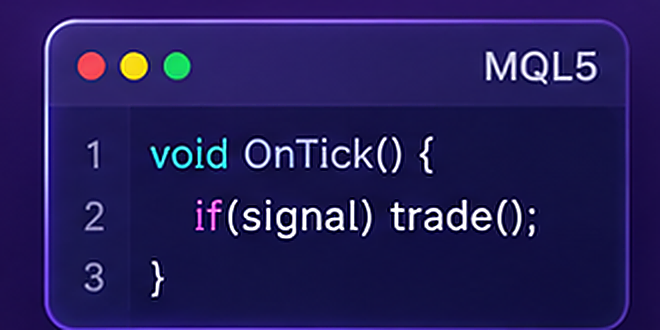
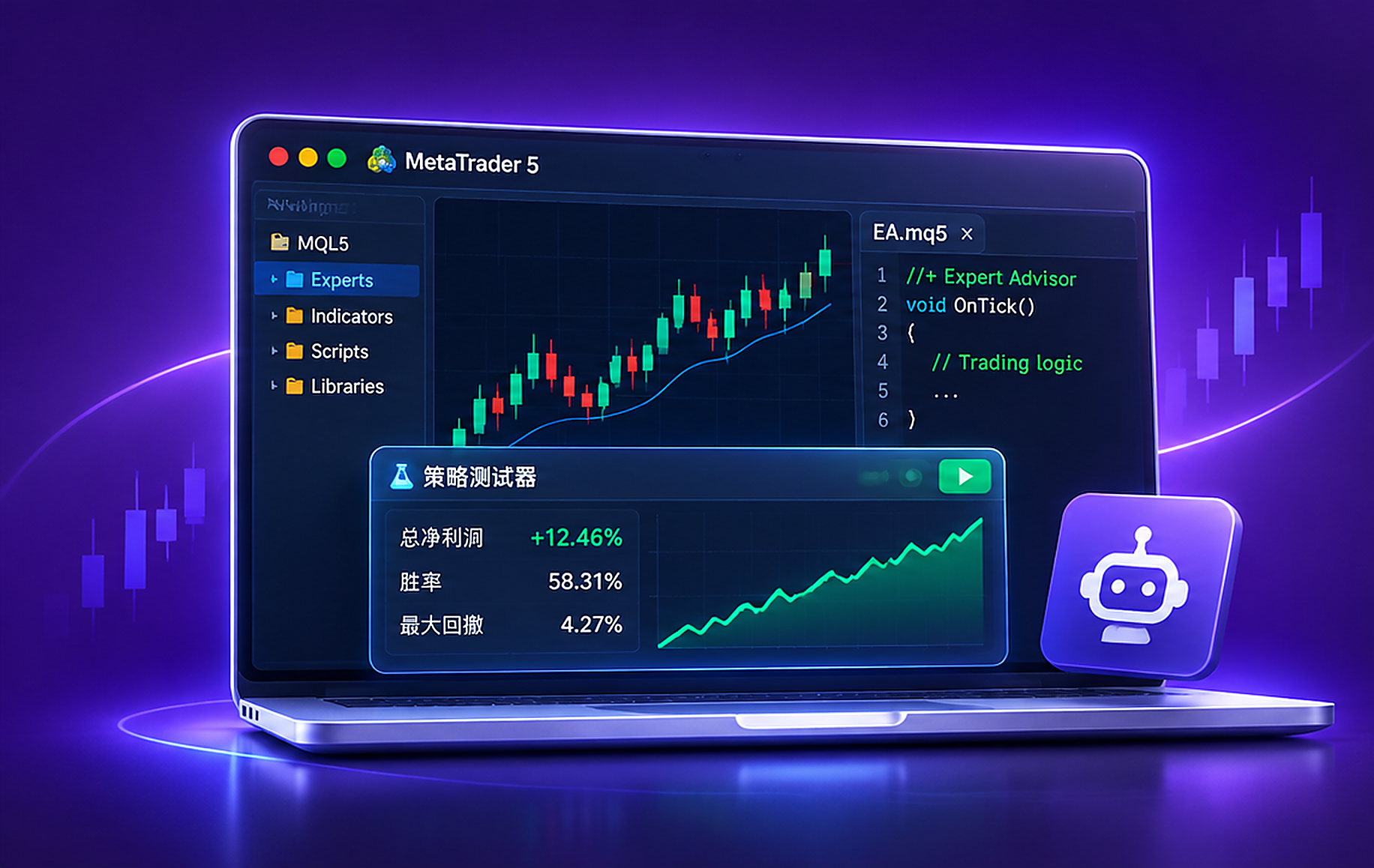
Use MQL5, Expert Advisors, and the Strategy Tester to build, backtest, and fine-tune rule-based strategies.
Technical analysis
MT5 puts multi-timeframe charts, indicators, and drawing tools in one interface—so you can read price action from more angles, clearly and quickly.
EA trading · Automation
MetaTrader 5 combines MQL5, Expert Advisors, and the Strategy Tester—so you can build logic, backtest history, and tune parameters in one workflow.
Risk noticeAutomation doesn’t guarantee profit, and past backtests don’t predict future results.
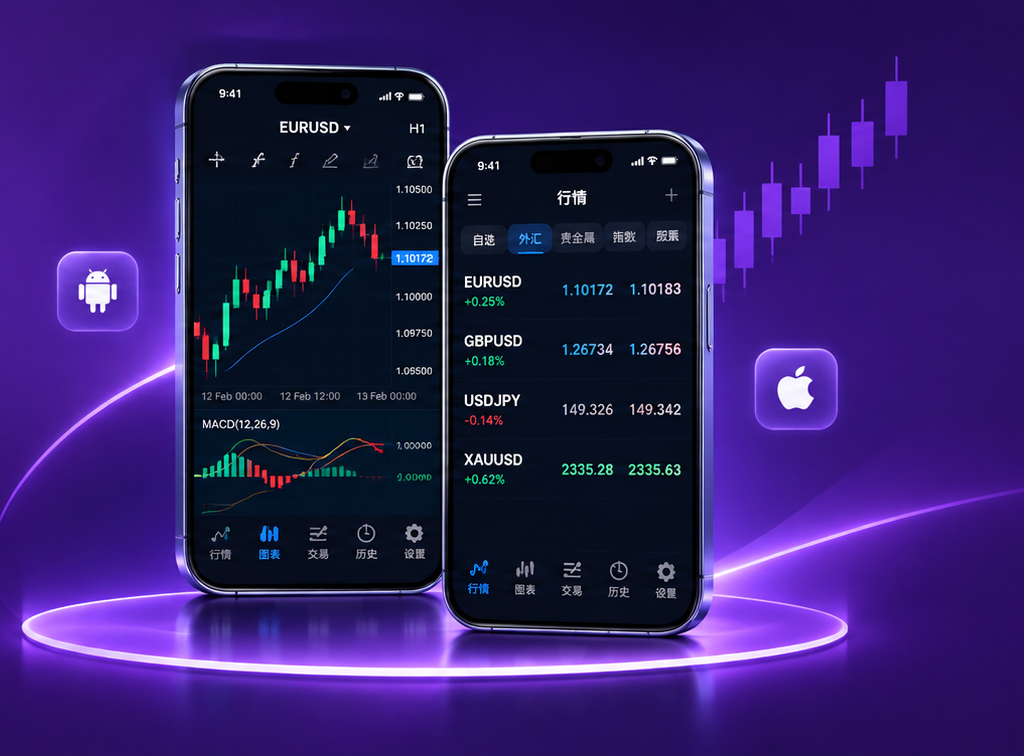
MT5 mobile trading
Wherever you are, the MetaTrader 5 mobile apps let you watch live quotes, read price action, and manage orders and accounts. On Android and iOS, you get pro tools in a phone-friendly layout.
MT4 VS MT5 · Feature comparison
Both are MetaTrader platforms. MT4 and MT5 differ on chart periods, indicators, pending orders, and automation. Compare the basics and pick what fits how you trade.
Platform features
Key desktop capabilities
| Feature | MT4 | MT5 |
|---|---|---|
| Timeframes | 9 | 21 |
| Built-in indicators | 30 | 38 |
| Pending orders | 4 | 6 |
| Automation language | MQL4 | MQL5 |
| Strategy testing | Single-thread | Multi-thread, multi-symbol |
| Market depth | Not equivalent built-in | Supported (data-dependent) |
| Instruments | Primarily forex | Multi-asset markets |
This comparison covers software features. Markets, orders, and depth still depend on your broker and account. Figures follow MetaQuotes’ comparisons.
MetaTrader 5 (MT5) is MetaQuotes’ multi-asset trading platform—charts, technical analysis, order tools, and automation. What you can trade depends on your broker.
The MT5 app itself is free to download. Live trading with a broker can still mean spreads, commissions, or other fees—check your broker’s terms.
MT5 runs on Windows, macOS, Linux, Android, and iOS, and there’s also a browser WebTerminal. Install steps and features vary by platform.
Always download from the official MetaTrader 5 pages. We share Chinese setup tips and version picks—we’re not the MetaQuotes website.
MT5 differs from MT4 on timeframes, pending orders, market depth, analytics, and strategy testing. They also use different automation languages—choose based on your broker and how you trade.
You can install first and click around the interface. To see live or demo prices, you’ll usually log in with broker details or open a demo/live account with them.